Discover the Laravel project
Add your project folder and select a log under storage/logs. If your logging channel uses another file path, open that file directly. The application’s logging configuration decides where output goes.
 lognivoGet Lognivo
A failed queue job may need both application and worker output. Keep the Laravel log next to the other services involved, then search the message or request ID.
Find your planRead the practical guide ↗storage/logs/laravel.logqueue / worker.logPHP / error.loglognivoOne workspace. Separate panels.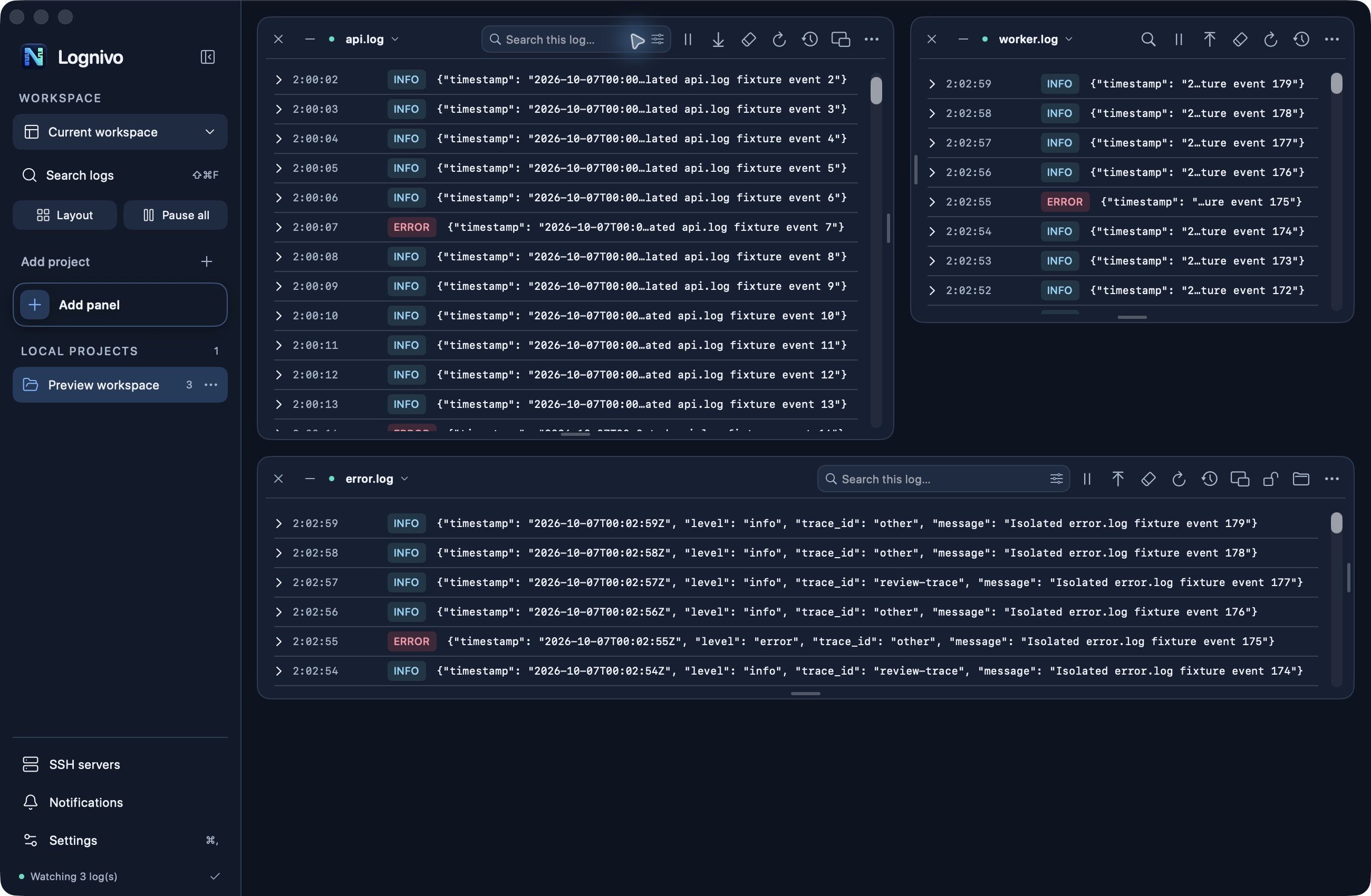
Add your project folder and select a log under storage/logs. If your logging channel uses another file path, open that file directly. The application’s logging configuration decides where output goes.
Expand a log entry to inspect its full message. Filter by severity and relevant text while another panel remains unfiltered. A PHP runtime error may appear in a different file from your Laravel exception.
Laravel project actions include Artisan information, cache clearing and queue restart. Commands show the exact target before execution; actions that change state require confirmation. Reading a log does not run a command.
Search, severity filters, reading order and pause stay with their panel. As you resize, secondary actions move into the options menu.
You can choose the text log file your Laravel channel writes. Lognivo handles file changes and rotation, but a new filename may need selecting; it does not reconfigure Laravel channels.
Yes. Project discovery also recognizes Magento, Symfony and WordPress, and you can open ordinary readable text logs independently of framework recognition.
macOS 14+ · Apple silicon & Intel
Get Lognivo for Mac