Give each source its own panel
Add application files, container streams or remote logs to your workspace. Resize and reorder the panels around the investigation. Keep production labels visible so you always know which environment you are reading.
 lognivoGet Lognivo
An error in your API can begin in a worker and surface in your web server. Keep the relevant logs visible together, then follow the same request ID across the panels.
Find your planRead the practical guide ↗api.logworker.logerror.loglognivoOne workspace. Separate panels.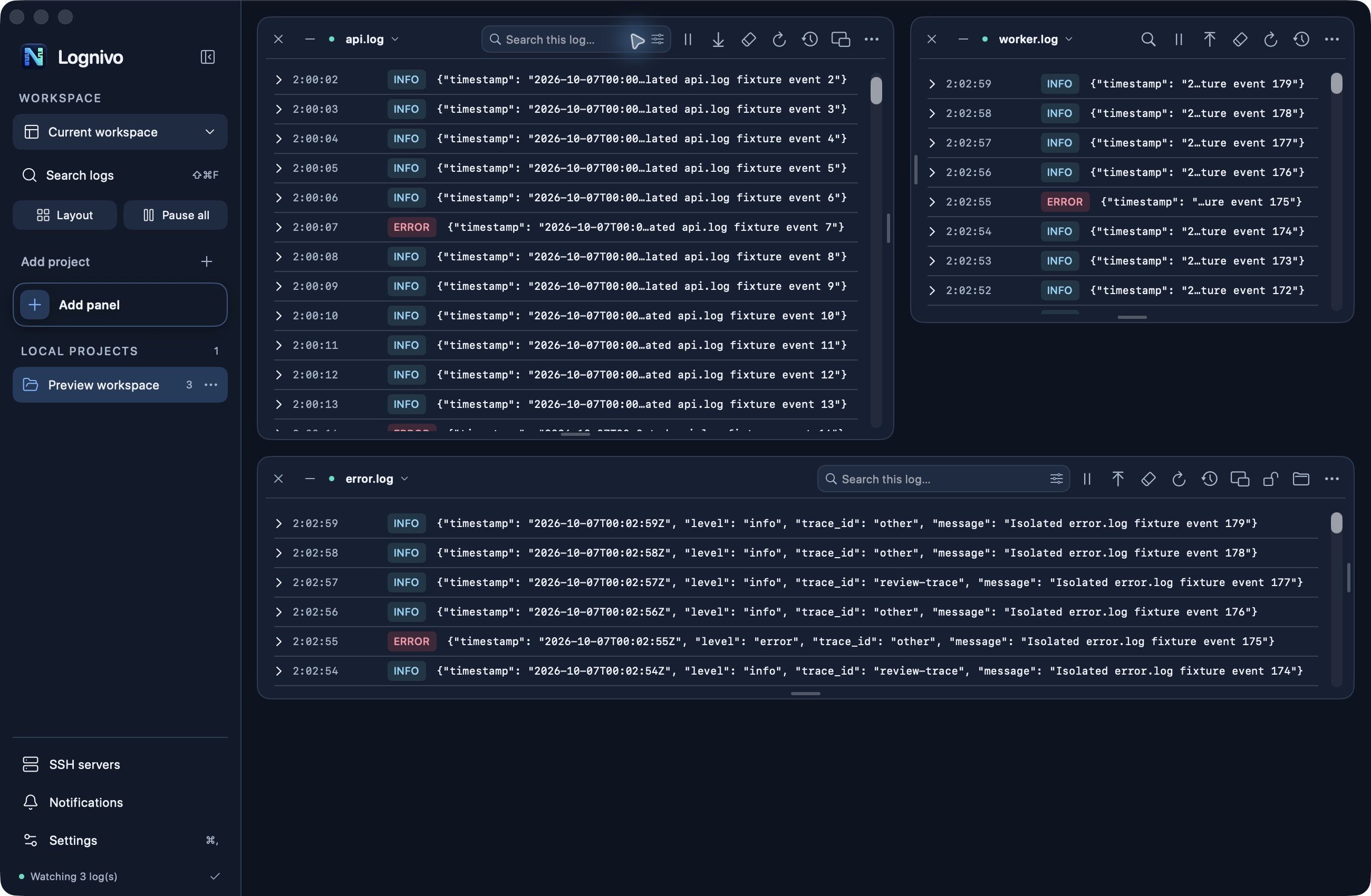
Add application files, container streams or remote logs to your workspace. Resize and reorder the panels around the investigation. Keep production labels visible so you always know which environment you are reading.
Search for a request ID, show selected severity levels and combine text filters. Each panel has its own pause, history and reading-order controls. Expand an entry when the complete message matters.
Save a named view with your panel arrangement. Lock panels that should stay in place or float a log above your editor. Your saved workspace is a layout, not a stored archive of every log entry.
Search, severity filters, reading order and pause stay with their panel. As you resize, secondary actions move into the options menu.
Sources stay in separate panels. Compare timestamps or search for a shared identifier; Lognivo does not claim automatic distributed tracing or a merged timeline.
No. It is a desktop viewing workspace with bounded history. Keep retention, collection and always-on monitoring in your existing infrastructure.
macOS 14+ · Apple silicon & Intel
Get Lognivo for Mac